

back in 2022 I wrote about getting my Apple Health data into MySQL, ending with the famous last words “will put it on Github later if someone is interested”.
Well, later is now: four years and 5,772,342 data points later. Sorry about that.
the original idea still stands: Apple Health is a great container that collects data from the Watch, the iPhone, the blood pressure monitor, the scale and whatever else I connect to it, and “Health Auto Export” gets that data out of the container and sends it to my server. that part was never the problem.
the problem was my side of it.
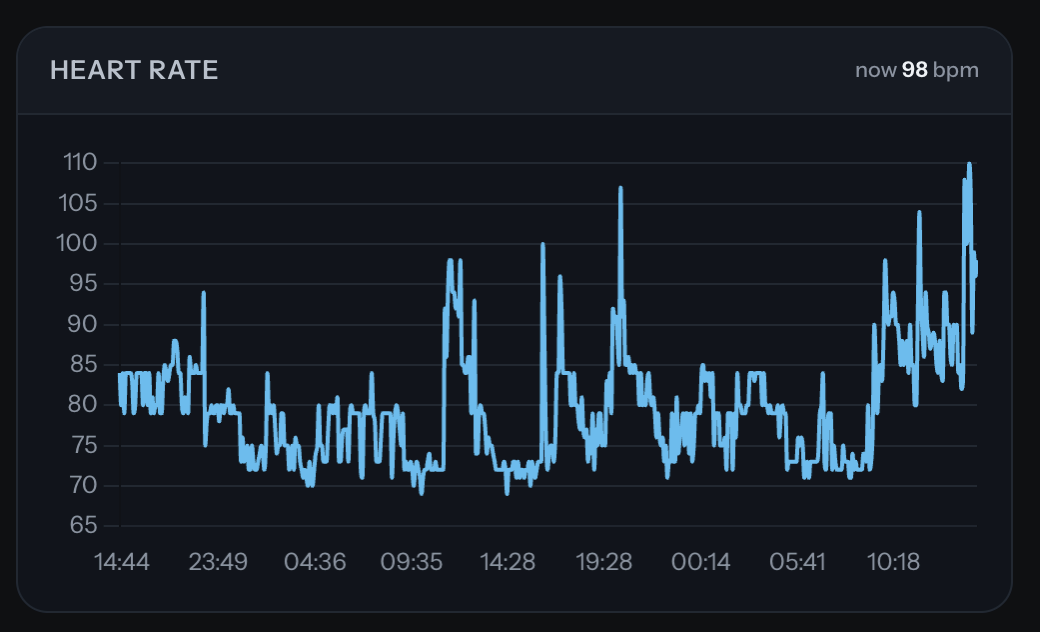
See the result live on the vitals page
what was wrong with the old version
- it created a table per dataset and used the date (as unixtime) as the primary key. that worked fine with one source and a handful of measurements per day.
then the Apple Watch came along, recording heart rate every few minutes, and suddenly two readings in the same second, or the same reading from two devices, became very normal. - the app likes to send the same data again (and again). sometimes the timestamp has seconds, sometimes (manual export) it doesn’t, so “duplicate” wasn’t always a duplicate for MySQL.
- if the database was busy or the script failed halfway, the upload was simply gone.
- timezones: everything was stored in whatever time the phone thought it was. travel a bit and your sleep chart turns into modern art.
- and the best one: anyone who knew the URL could have uploaded data into it.
how it is done now
the new version works in stages, every stage only does one thing, and nothing gets thrown away.
- receive – the app posts its JSON to
ios.php. first thing: check the secret header (the app can send custom headers, so every automation carries a key). no header, no party: the request gets a 401, a wrong key a 403, and nothing is stored. - keep the original – before anything else can go wrong, the request body is saved untouched as a gzip file. if the database is down, the data is still there and can be re-imported later.
- land – every single data point goes into one big
rawtable, exactly as delivered, together with a fingerprint (sha1 over the metric, unit and the key-sorted values, with the device name normalised). the same reading sent twenty times is stored once. no more relying on timestamps being unique. - sort – right after landing, a sorter moves the points into proper typed tables: single values (steps, energy, SpO2, HRV, weight …) per metric and minute, heart rate with min/avg/max per minute, blood pressure, sleep (nightly summary plus every single sleep phase), workouts, ECG recordings, symptoms and heart rate notifications.
anything with a layout it doesn’t know yet stays inrawmarked as “unmapped” instead of being dropped, so when I teach the sorter something new, it simply re-sorts. - daily – a per-day table with totals and averages for every metric, so charts over 10 years don’t have to crawl through millions of rows.
- all timestamps are UTC now, with the original timezone offset of each reading stored next to it. “local time” is calculated when needed.
- the answer to every upload lists how many points were received, how many were new and how many were duplicates, per metric. so I finally see in the app what actually arrived (that was a ToDo from 2022, done).
the history
- the automatic upload only sends recent data, so the old stuff came in through the app’s manual export button: one zip file, a few hundred MB of JSON.
PHP’sjson_decode()on a 250 MB file is not a pleasant experience, so the import uses a small streaming scanner that walks through the file and only decodes one data point at a time. - drop the file into a folder, run
php import.php, go make coffee. duplicates with what’s already there are skipped automatically. - result at the time of writing: about 5.8 million unique data points (6.3 million received, the rest were duplicates), going back to May 2015, 32 metrics, ~456,000 minutes of heart rate, 3,194 blood pressure readings, 1,498 nights of sleep and 189 ECG recordings.
the visual part
- the vitals page got rebuilt as well: no more iframes, one small JavaScript file draws all charts (Chart.js) directly into the page and follows the site’s colour theme.
- one JSON endpoint delivers the data for all charts: blood pressure, heart rate, sleep, weight, respiratory rate, activity rings, steps with 7-day average, resting heart rate + HRV over the years, an hour-by-day heatmap, and the latest ECG, with the baseline wander removed similar to how Apple displays it.
- small HTML snippets deliver the current values (pulse, blood pressure, bedtime, sleep average …) into the page.
- and yes, the “Smokes & Coffee” chart: Apple Health has no nicotine type, so cigarettes are logged as zinc, 12 mg each. creative, yes. medically advisable, no.
the code
- it’s on Github now, for real: github.com/nullx8/AppleHealth2MySql (GPL v3).
- what you need:
– a Linux server with PHP 8.1+
– MariaDB or MySql if you fancy
– the Health Auto Export app (may need premium now, for the API automations)
– a iPhone
– some gadgets
– lots of time to waste
– some coffee and 230 volts. - the
productionfolder contains the actual code behind my vitals page, as an example of what can be built on top of the database. it is tailored to my own setup (timezone, my site, the zinc thing), so your mileage may vary. - still open from 2022: getting the app to reliably export in the background. that one is still up to iOS’s mood of the day.
issues
- choose your app wisely
by now there are a lot of copycat apps on the App Store that promise the same thing. most of them have their own issues, or charge some ridiculous (monthly) money for features that should be built in.
Health Auto Export is a paid app as well, but it comes with a one-time payment option, and it has worked for years without issues. well, besides the bugs that are there because I’m too cheap to update my phone. - sleep data needs its own task
generally speaking it is better to export everything non-aggregated: you get every single reading with its exact time and source, and you can always aggregate later in the database (the other way around doesn’t work).
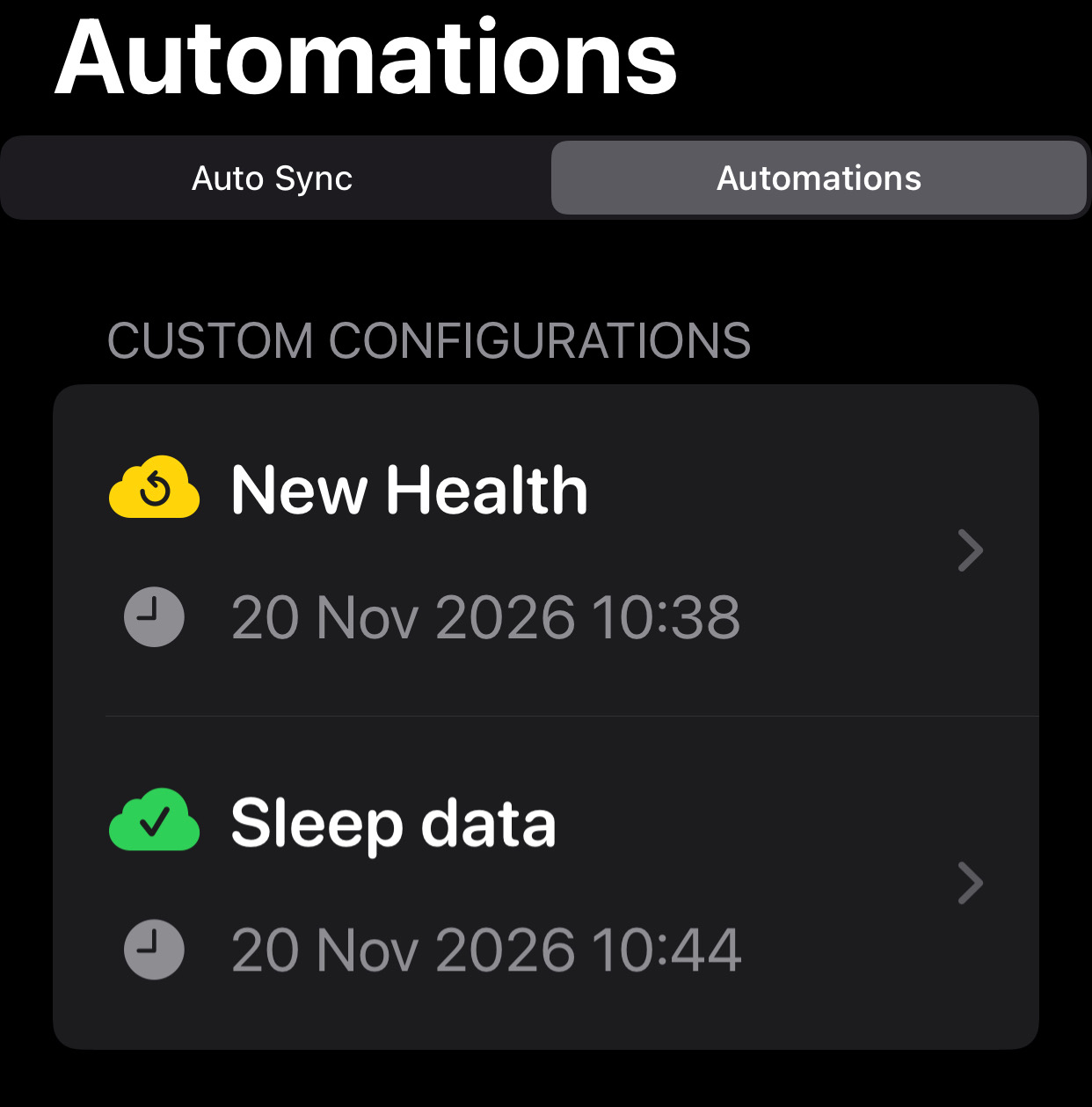
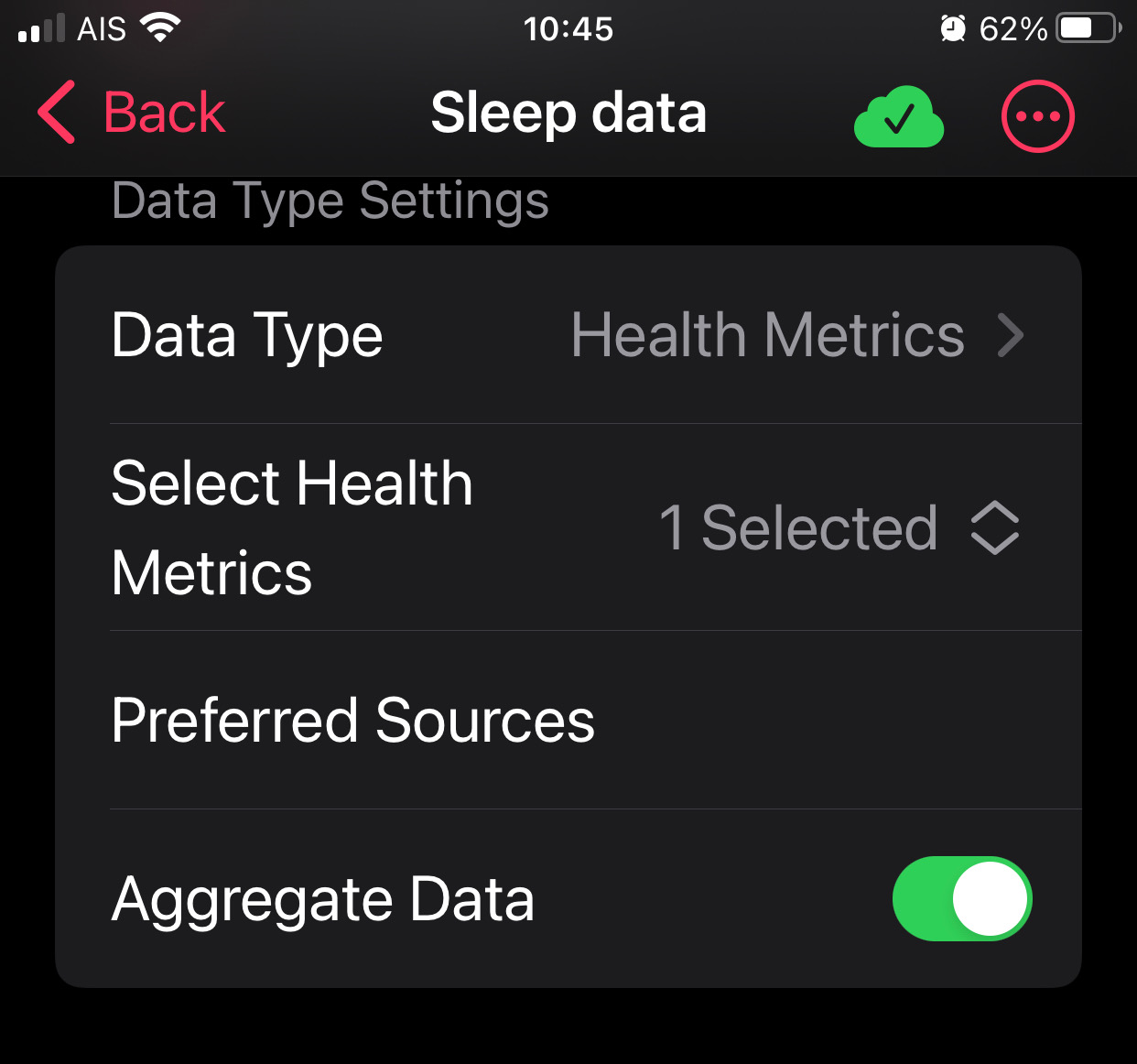
the exception is sleep: to “properly” get the sleep data (the nightly summary with asleep / in bed times), it needs to be submitted aggregated.
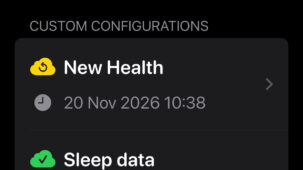
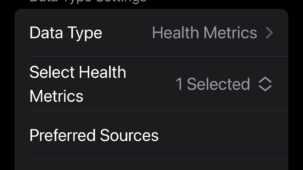
the fix is simple: run a second automation in the app, one that exports only sleep data but aggregated, the importer will update the blocks and populate the date properly.
- seconds are ignored
different versions of the app (and the manual export vs. the automatic upload) don’t agree on timestamps: one sends 09:19:45, the other 09:19:00 for the very same reading. to avoid double recordings, the code ignores the seconds when sorting into the typed tables, so readings are stored per minute. the raw data still keeps the original timestamps, just in case.
Here is what it looks like now